

Step 1: Get your PostHog project API key
In PostHog, navigate to your project settings:- Log in to your PostHog account
- Go to Project Settings
- Copy your Project API Key (starts with
phc_...)
Step 2: Enable Broadcast in OpenRouter
Go to Settings > Observability and toggle Enable Broadcast.
Step 3: Configure PostHog
Click the edit icon next to PostHog and enter:- Api Key: Your PostHog project API key (starts with
phc_...) - Endpoint (optional): Default is
https://us.i.posthog.com. For EU region, usehttps://eu.i.posthog.com
Step 4: Test and save
Click Test Connection to verify the setup. The configuration only saves if the test passes.Step 5: Send a test trace
Make an API request through OpenRouter and view the LLM analytics in your PostHog dashboard.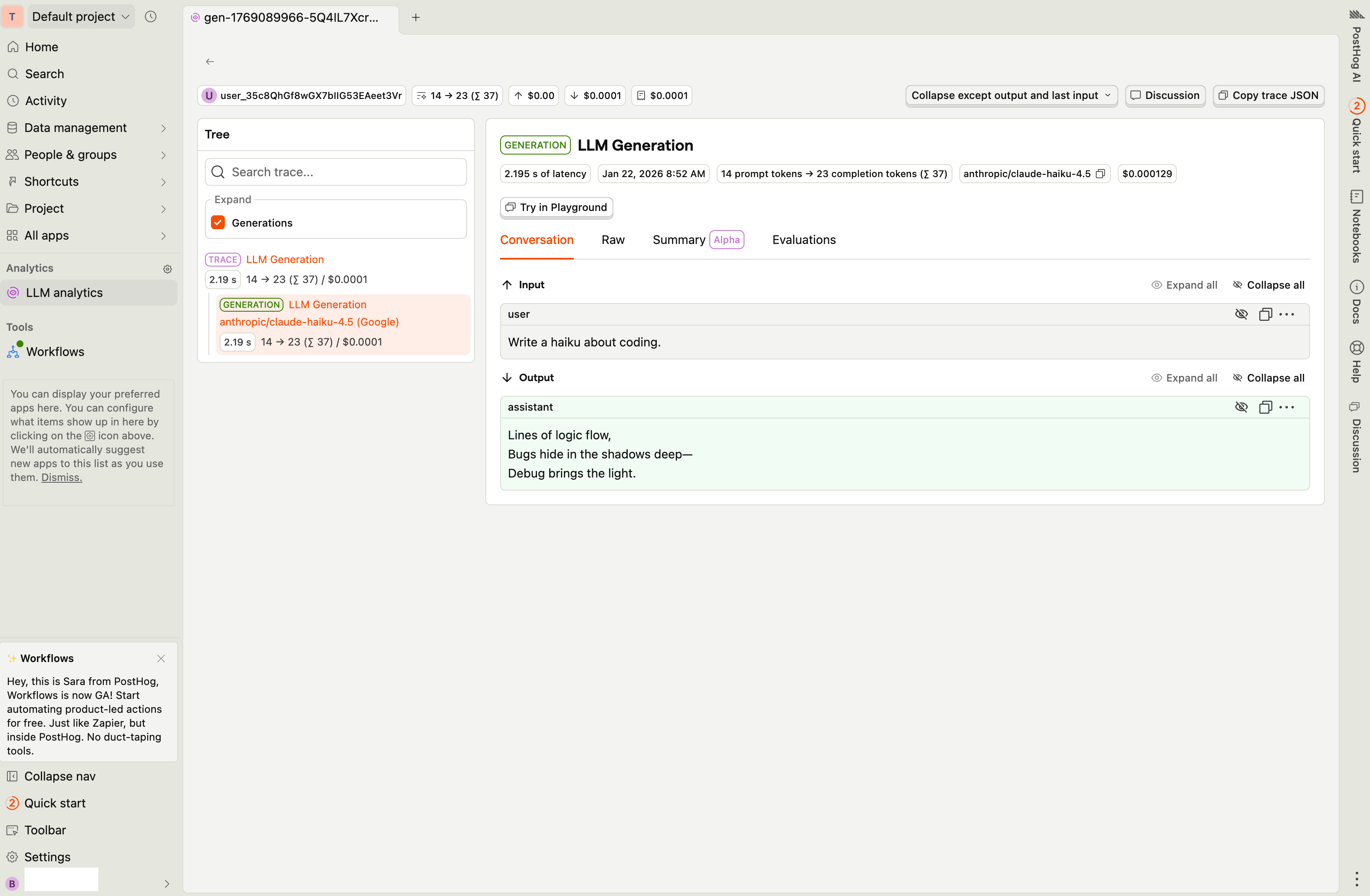
Custom Metadata
PostHog receives LLM analytics events with custom metadata included as event properties. Use thetrace field to attach additional context to your analytics data.
Supported Metadata Keys
OpenRouter maps the reservedtrace fields below to PostHog’s native $ai_* properties, which power PostHog’s built-in LLM analytics dashboards.
Custom property pass-through
trace_name is forwarded as a plain custom property trace_name (not as $ai_trace_name), so you can filter events by trace name in PostHog without knowing PostHog’s $ai_* naming convention.
Every other key inside trace that is not in the table above is forwarded as metadata_<key> (e.g. feature → metadata_feature).
Depth cap: Custom property values are limited to 3 levels of nesting. Values nested deeper than 3 levels are replaced with '[truncated]'. This keeps event payloads compact and PostHog parse latency low.
Example
$ai_generation event with these properties (among others):
Additional Context
- The
userfield maps to PostHog’sdistinct_idfor user-level LLM analytics - The
session_idfield maps to$ai_session_idfor session grouping - PostHog’s LLM analytics dashboard automatically tracks token usage, costs, and model performance
Privacy Mode
When Privacy Mode is enabled for this destination, the$ai_input and $ai_output_choices properties are excluded from events. All other analytics data — token usage, costs, model information, and custom metadata — is still sent normally.